Library
At Skyreal VR startup, the default page is the library. You will find all the experiences you've already open with Skyreal VR.
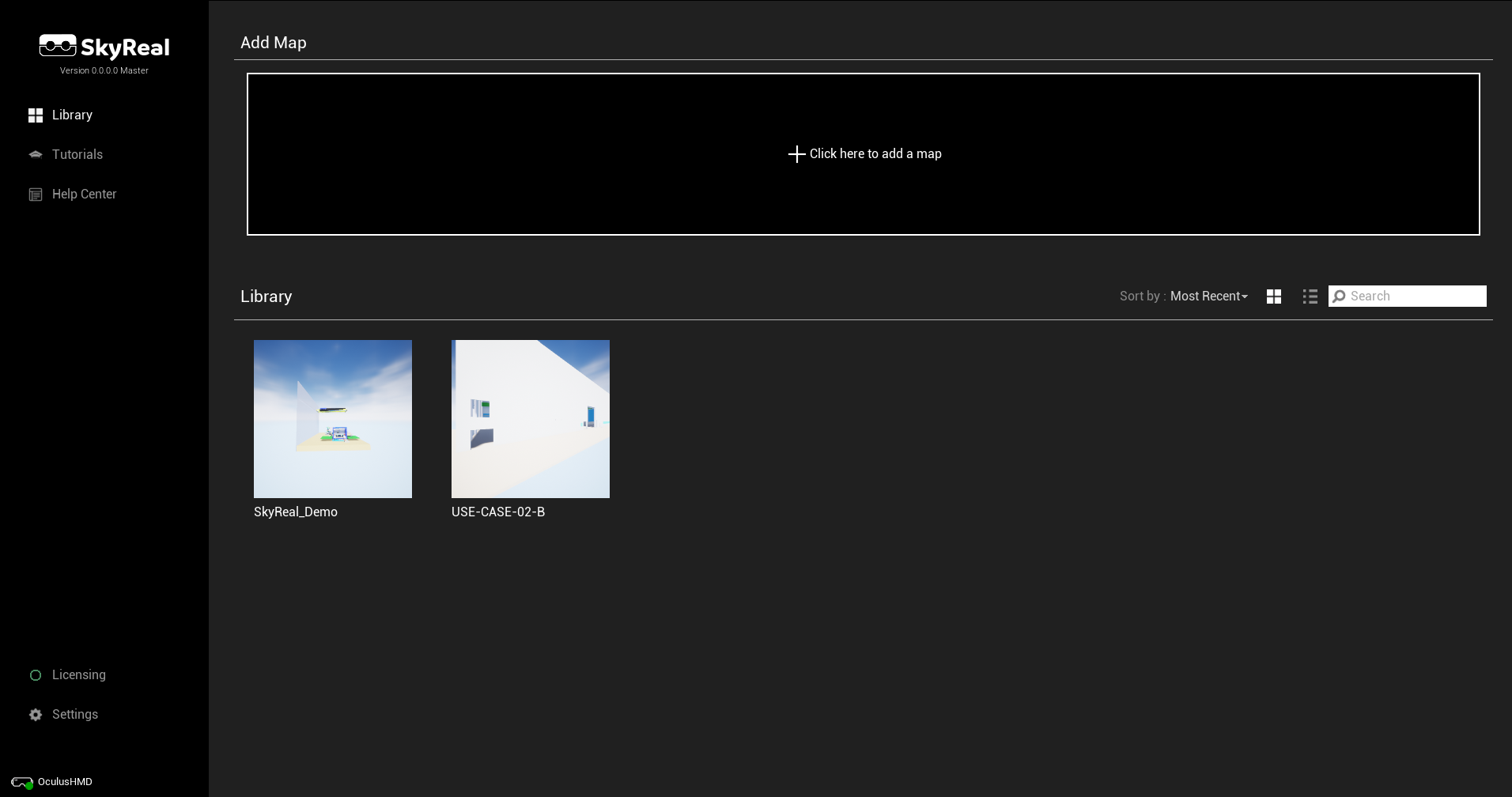
Add a new map
The big add button let you pick any map.
Once a CAD as been converted to simulation map with SkyPrep, the file to load into Skyreal VR is:
[SkyPrepOutputDirectory]\[ProductName]\Skyreal VR\cooked\Simulation.umap
Sorting the maps
By default, the library displays the maps in cards. But you can choose to display them as a list to get more details.

You can sort the maps by : Most Recent, Most Used, Preparation Date, Name, Path
Start a map

Play Locally: Start the map on this computer only.
Create Session: Start a collaborative session of Skyreal VR. You are hosting the server, other users can join your session using the same map.
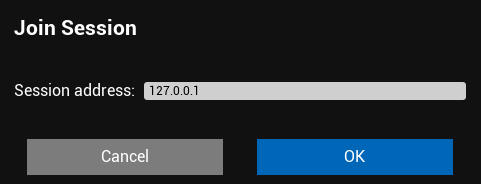
Join Session: Join an existing session on the network. You need to enter the IP address of the session. (You must have the exact same map)
Map Resources
Pictures
At the bottom of the maps pages you can see the screenshots taken in Skyreal VR.
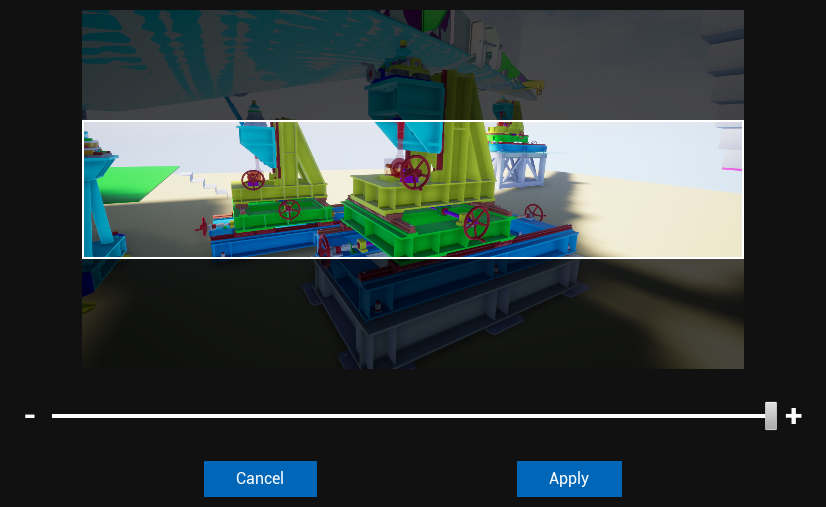
Drag & Drop the pictures to the vignette or to the header picture to update them. A popup will ask you to cut your picture for the header.
Saves
Only displays the different saves at this moment.