Screenshot commands
Screenshot commands allow you to take in-game pictures from Skyreal VR. We offer the possibility to take:
capture of your screen,
and if you edit your Desktop menu, you can add the Screenshot of selected object (hot key F7)
Every screenshot will be placed in the [Your Simulation Folder Path]\Skyreal VR\cooked\Simulation\SkrRessources\Images folder.
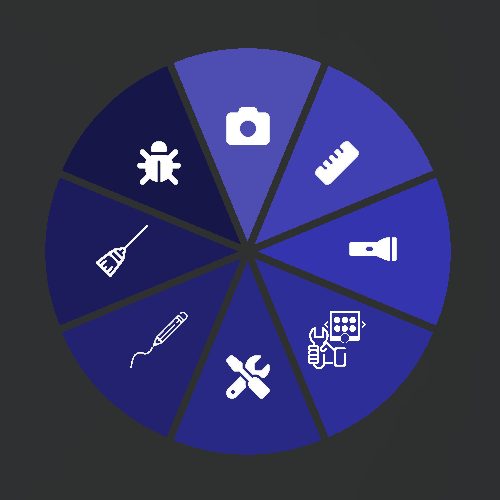
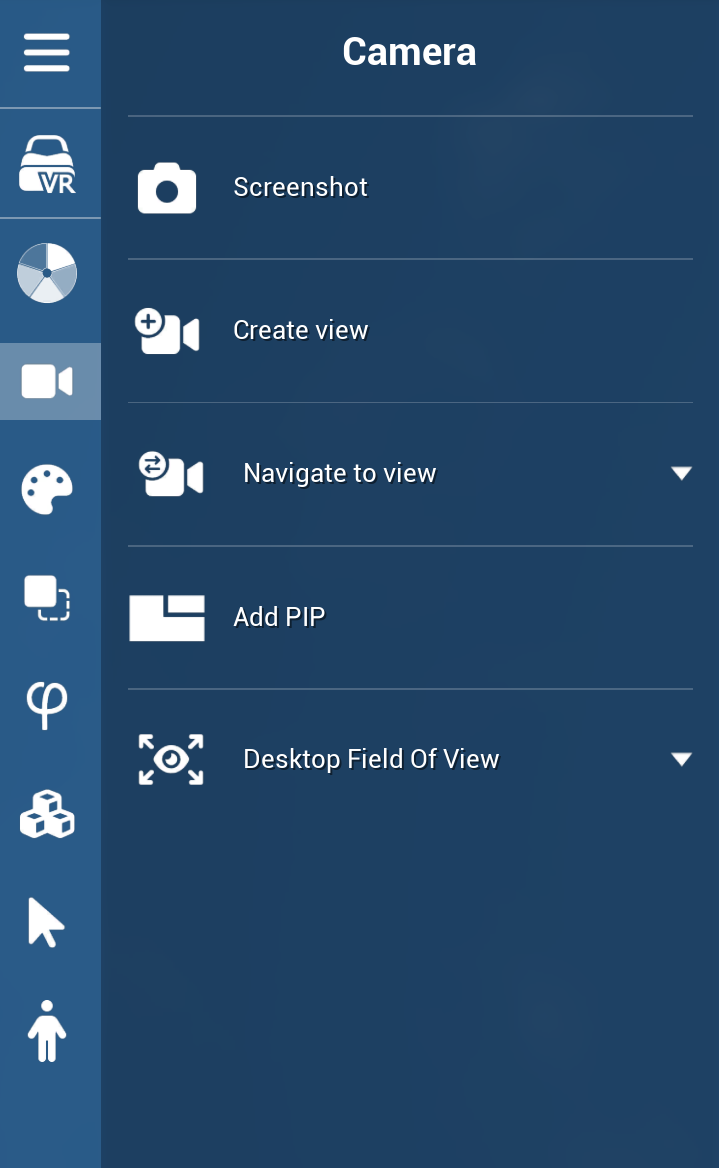
You can find the Screenshot command in Vr in the default Tools sub menu or in the default camera desktop menu:
Screenshots Hot Keys
F5 Key
Quick Key to make screenshots.
F6 Key
Ability to take screenshots without displaying controllers on manikins.
F7 Key
Screenshot of selected object without background (.PNG transparent).
F8 Key
High resolution Screenshots.