Edit Myself
You will find this command in the default Manikin sub menu :
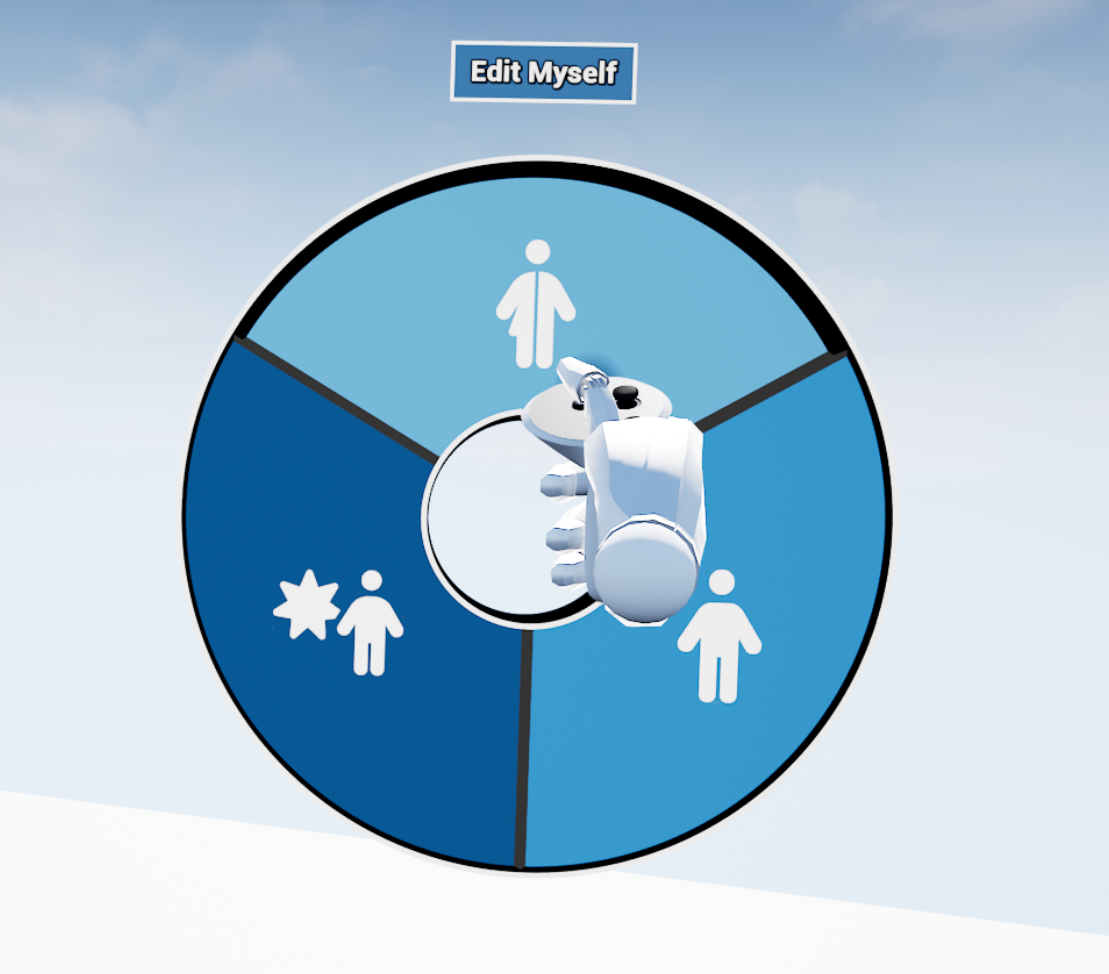
The command edit myself will allow the user to set up its own manikin’s look.
Edit Myself
This command lets you edit your own avatar and control how other users in VR see you. Since your avatar is a Manikin, you have access to the same options as in the Edit Manikin command.
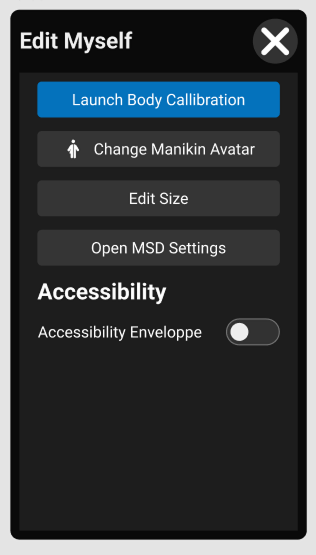
Body Calibration
Make your VR Avatar fits your size features (size and arm's reach).. Use this option to calibrate all your body movements with the use of body trackers.
Manikin Options
As your represented as an Avatar which is a Manikin, you can edit on yourself any manikin settings.
Change Manikin Avatar
Here, you can select any manikin that's on your Manikin's Library (more information).
Edit Size
You can edit any manikin dimension (more information).
Open MSD settings
You can also found all MSD parameters (according to the RULA standard). Each parameter selected will influence the final SCORE calculation.
Accessibility options
You can activate some accessibility options on each manikin.